↳PICK ONE
Choose
Pick the portfolio that feels like you.
Premium portfolios for creative people.
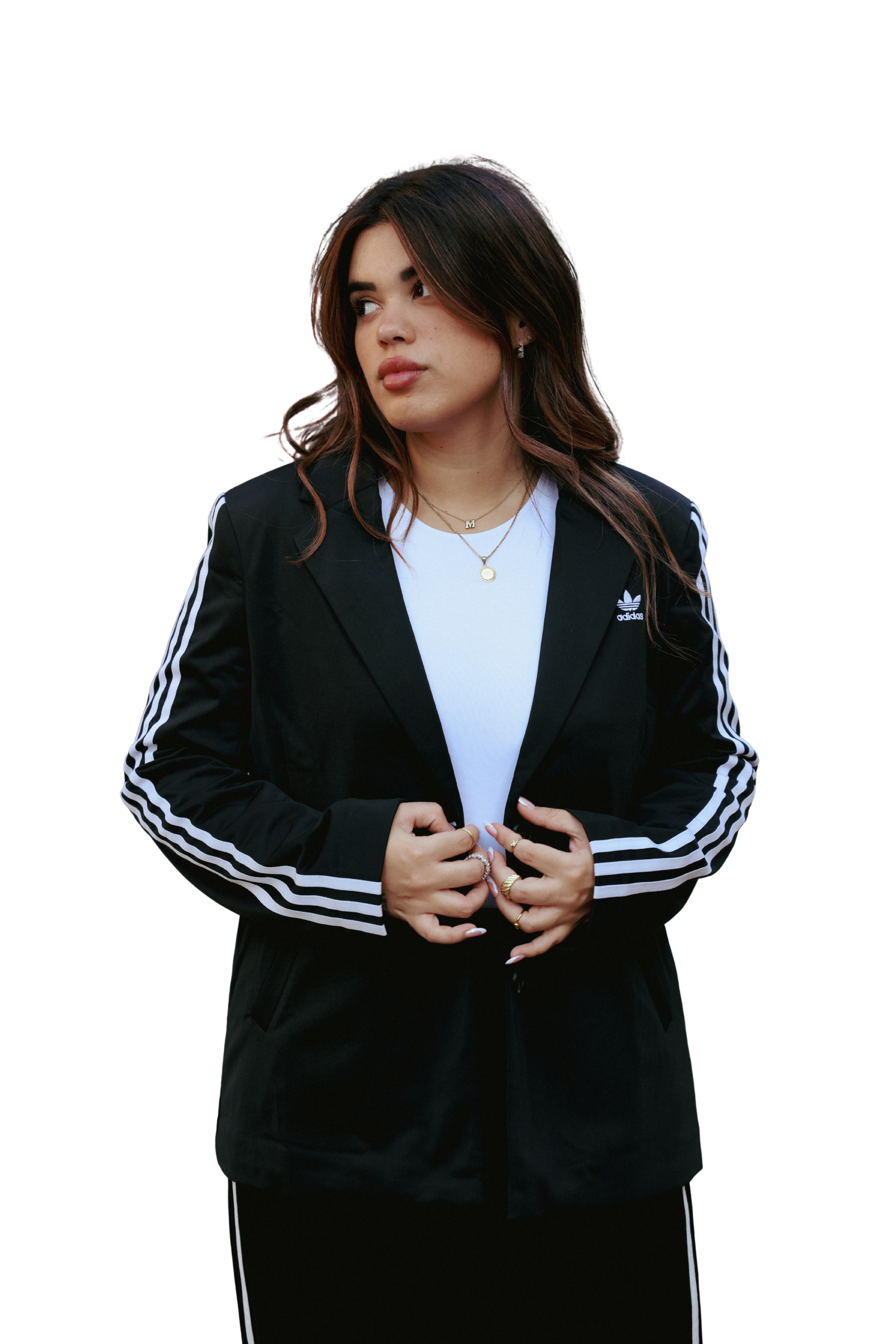
Designed for creative work
No code. No blank canvas. Just a considered structure you can make yours — with a template, guide and step-by-step tutorial included.
A fully editable Canva portfolio template for UGC creators.
You’ll need a free Canva account to open and edit the template. After purchase, open the Canva Template Link and Canva will automatically create your own editable copy.
An editorial, interactive Canva Website template for multidisciplinary creatives.
A Canva account is required. One purchase covers one person and one personal portfolio website. Photos shown are examples and must be replaced. Personalization is not included.
A bold, fully editable Canva Website portfolio for UGC creators.
You’ll need a Canva account. After purchase, sign in and select “Edit the template”; Canva will create your own private, editable copy.
An editorial Canva Website portfolio for content creators, UGC/VGC creators, community managers and creative professionals.
You’ll need a Canva account. After purchase, sign in and select “Edit the template”; Canva will create a private, independent copy in your account. Your edits never affect the master file or another buyer’s copy.
How it works
Pick the portfolio that feels like you.
Create your own editable copy in Canva.
Replace the words, images, projects and links.
Connect your domain and share your new portfolio.
New portfolio editions for different creative disciplines are already in progress. Join the list to see every release first.
Request your own editable portfolio template, or commission a completely custom website built from scratch outside Canva.
Tell me what you need ↗More than a template
You are not buying a file and figuring it out alone. Each edition is a complete, guided experience.
A polished portfolio ready to copy and personalize.
Flexible spaces ready for your own videos, images and projects.
Clear setup resources in English and Spanish.
Text, media, categories, services and links made simple to update.
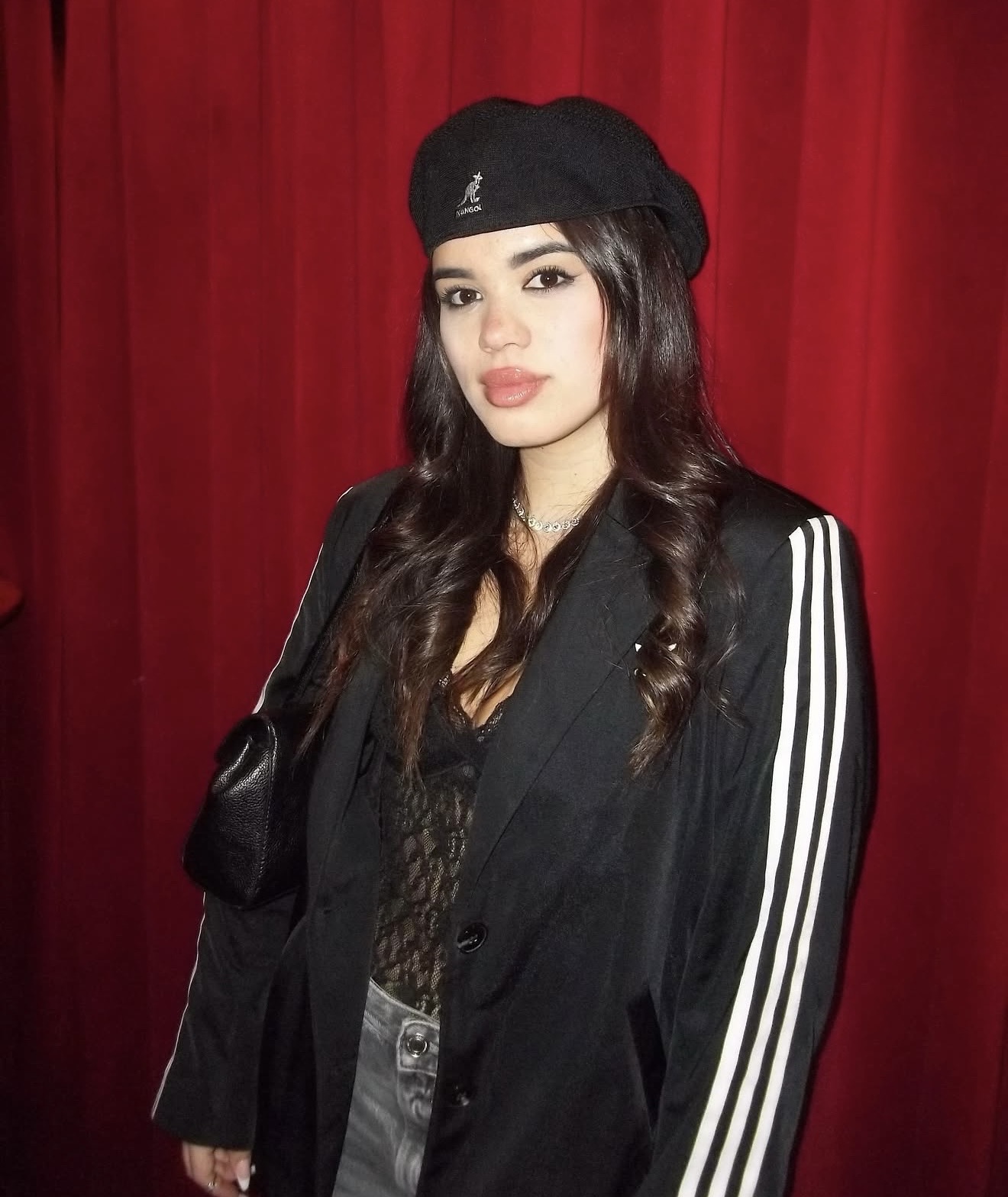
I’m Mica — a filmmaker, editor, photographer and content creator. I made these templates because presenting your work should feel as intentional as creating it.
Meet Mica ↗Not at all. Everything is edited visually in Canva, and the step-by-step instructions walk you through the process.
Your own independent copy of the Canva Website template, setup resources, the selected license and access to the live demo.
No. You can open and edit the template with a free Canva account, subject to Canva’s general platform limitations.
Yes. Every edition includes a live, navigable demo so you can experience the template before choosing it.
New editions, first look